


Shipping plays a critical role in how WooCommerce stores operate and convert customers. From showing accurate delivery costs at checkout to managing order fulfillment and tracking, shipping directly affects both customer experience and store efficiency.
As order volumes increase, many WooCommerce stores move beyond fixed shipping costs and manual processes. WooCommerce shipping plugins with real-time rates and automation help store owners calculate live carrier shipping rates, automate label printing, and streamline order fulfillment directly from the WooCommerce dashboard.
In this guide, we cover the best WooCommerce shipping plugins for real-time rates and automation, focusing on solutions that support live shipping rates, multi-carrier integration, shipping label printing, and scalable automation for growing WooCommerce stores.
Why Real-Time Shipping Rates & Automation Matter for WooCommerce
Real-time shipping rates and automation play an important role in creating a reliable and scalable shipping workflow for WooCommerce stores. They help ensure that shipping costs, order processing, and delivery updates remain accurate as store operations grow.
- Accurate shipping costs at checkout: Real-time carrier rates calculate shipping prices based on destination, weight, and selected services, helping customers see the correct cost before placing an order.
- Improved pricing transparency: Displaying live shipping rates reduces discrepancies between checkout pricing and final shipping charges, creating a more reliable buying experience.
- Faster order fulfillment: Automation enables store owners to generate shipping labels, process orders, and manage shipments directly from the WooCommerce dashboard.
- Reduced manual effort and errors: Automating repetitive shipping tasks lowers the risk of incorrect addresses, labeling mistakes, and fulfillment delays.
- Automated tracking and notifications: Shipping updates are shared automatically with customers, keeping them informed throughout the delivery process.
- Scalable shipping operations: Real-time rates and automation allow WooCommerce stores to handle higher order volumes and multiple carriers without increasing operational complexity.
What to Look for in a WooCommerce Shipping Plugin
When selecting a WooCommerce shipping plugin, certain features play a key role in ensuring accurate pricing, efficient fulfillment, and long-term scalability. The table below highlights the most important aspects to consider.
Best WooCommerce Shipping Plugins for 2026
1. PluginHive WooCommerce Shipping Services
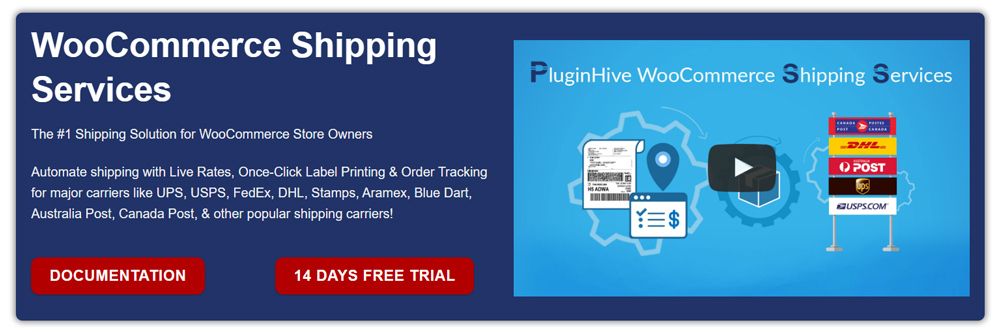
WooCommerce Shipping Services by PluginHive is a comprehensive WooCommerce shipping plugin designed to automate the entire shipping workflow from within the WooCommerce dashboard. It enables store owners to display real-time shipping rates at checkout, generate shipping labels with one click, and automatically share tracking updates with customers.
The plugin supports major domestic and international carriers, including UPS, USPS, FedEx, DHL, Canada Post, Australia Post, Aramex, and Blue Dart. It also integrates seamlessly with WooCommerce multi-vendor plugins such as Dokan and WCFM, allowing vendors to manage their own shipping rates, labels, and tracking independently.
Best for: WooCommerce stores looking for an all-in-one, multi-carrier shipping automation solution.
2. ReachShip Multi-Carrier Shipping Plugin
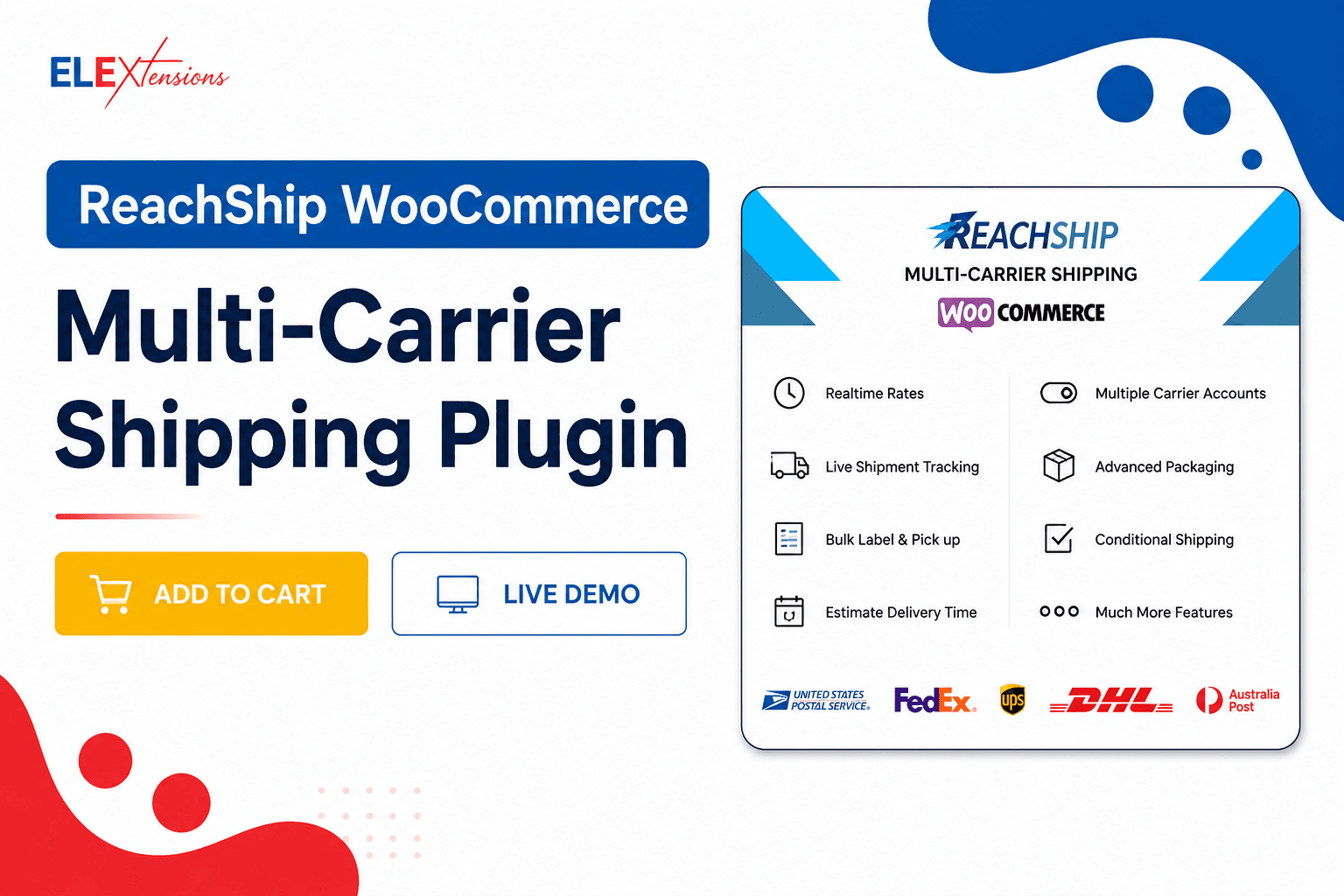
ReachShip Multi-Carrier Shipping Plugin is a free WooCommerce multi-carrier shipping solution that helps automate shipping workflows, display real-time carrier rates, generate and print shipping labels, and track shipments from a single dashboard.
The plugin simplifies both domestic and international shipping by enabling merchants to compare carrier rates, manage shipments efficiently, and provide customers with accurate shipping options at checkout. It also offers advanced features such as conditional shipping rules, bulk label printing, shipment tracking, and automated fulfillment workflows, helping reduce manual effort and improve shipping efficiency.
Best for: WooCommerce merchants looking for a free multi-carrier shipping solution with real-time rates, shipping automation, and centralized shipment management
3. WooCommerce UPS Shipping Plugin with Print Label
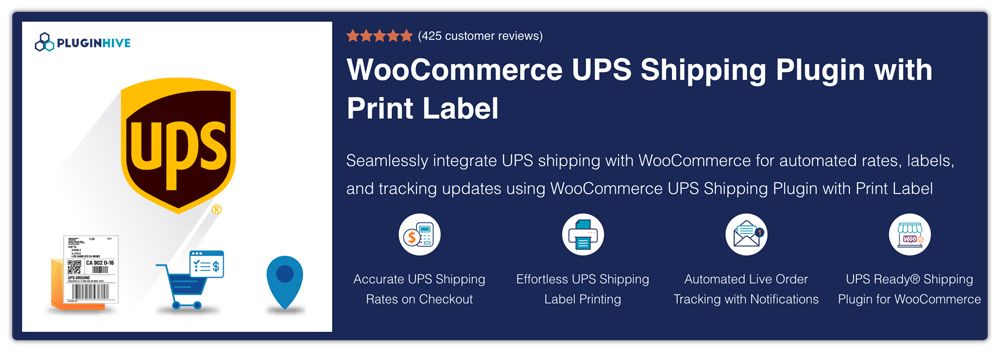
WooCommerce UPS Shipping Plugin with Print Label is a UPS Ready® certified WooCommerce shipping plugin that integrates UPS services directly into WooCommerce. It provides real-time UPS shipping rates at checkout, allows label printing from the order page, and automatically updates customers with tracking details.
The plugin supports UPS domestic and international services, including UPS Ground, Next Day Air, Worldwide services, SurePost®, and Access Point delivery. Features such as bulk label printing, pickup scheduling, return labels, delivery estimates, and compatibility with WooCommerce Bookings and multi-vendor plugins add to its flexibility.
Best for: WooCommerce stores that rely on UPS for domestic and international shipping.
4. WooCommerce Shipping by Woo
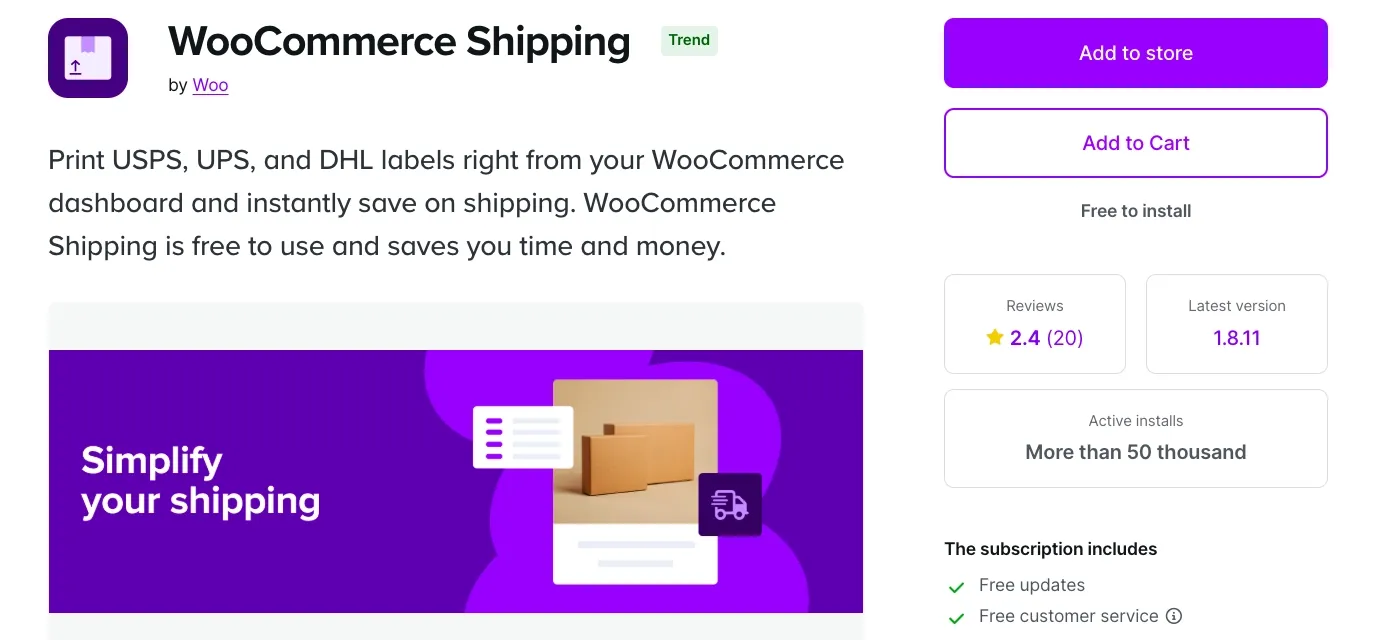
WooCommerce Shipping by Woo is a free, built-in shipping solution that allows store owners to print shipping labels directly from the WooCommerce dashboard. It supports USPS, UPS, and DHL Express and provides access to discounted shipping rates without third-party integrations.
The plugin is designed for simplicity and supports both domestic and international shipping. Features such as split shipments, multi-label support, and mobile app compatibility make it suitable for stores with straightforward fulfillment needs.
Best for: Small to medium-sized WooCommerce stores seeking a free and simple shipping solution.
5. AfterShip Returns
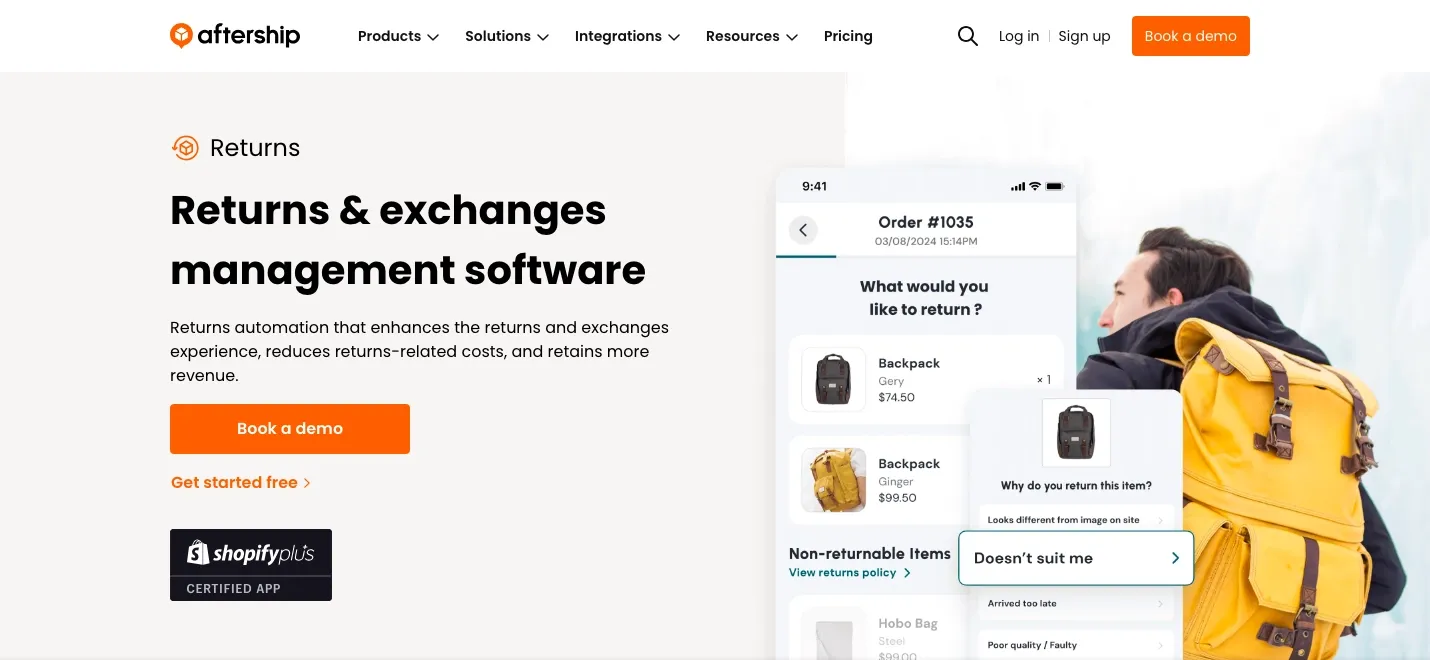
AfterShip Returns is a returns and exchanges automation platform designed to improve the post-purchase experience for WooCommerce stores. It provides a branded self-service returns portal where customers can initiate returns or exchanges easily.
Store owners can automate approvals, refunds, and exchanges using predefined rules. The platform also supports printless QR code returns, analytics, and fraud prevention tools, helping reduce return-related costs and operational effort.
Best for: WooCommerce stores looking to automate returns and exchanges.
6. Print Invoices, Packing Lists & Pick Lists for WooCommerce
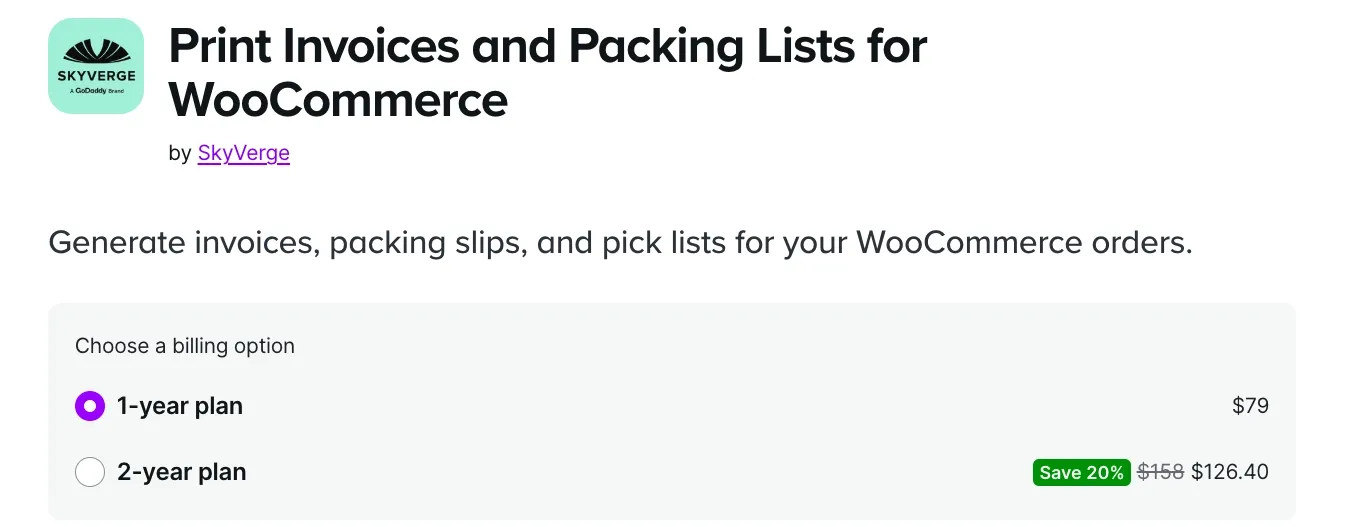
Print Invoices, Packing Lists & Pick Lists for WooCommerce helps streamline fulfillment documentation. Merchants can generate and print invoices, packing slips, and pick lists individually or in bulk, improving accuracy during order processing.
The plugin includes a live document customizer, automated invoice emails, sequential invoice numbering, and multilingual support. It is especially useful for warehouses and high-volume fulfillment teams.
Best for: Stores handling large order volumes or warehouse-based fulfillment.
7. Shippo for WooCommerce
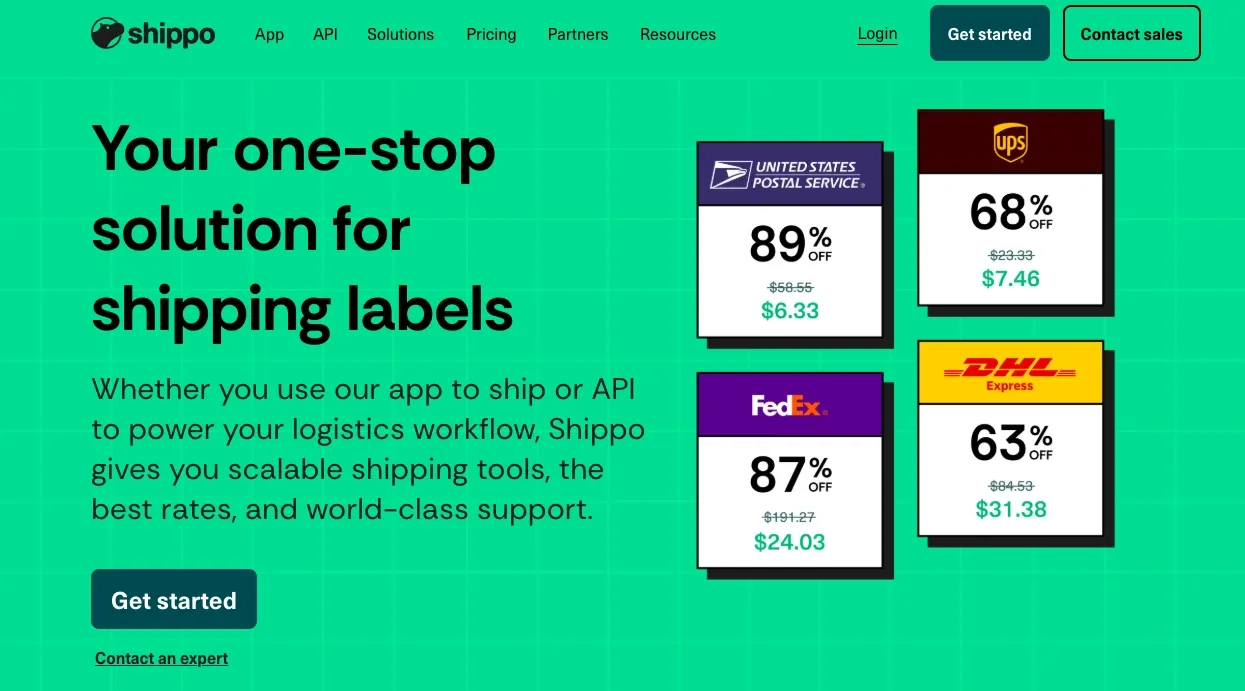
Shippo is a cloud-based multi-carrier shipping platform that connects WooCommerce stores with over 40 global carriers, including UPS, USPS, FedEx, DHL, and Canada Post.
It automatically syncs orders, supports fast label printing, and offers centralized shipment management with branded tracking and return labels. API-based customization makes it suitable for scalable operations.
Best for: WooCommerce stores looking for a carrier-agnostic shipping platform.
8. ShipStation for WooCommerce
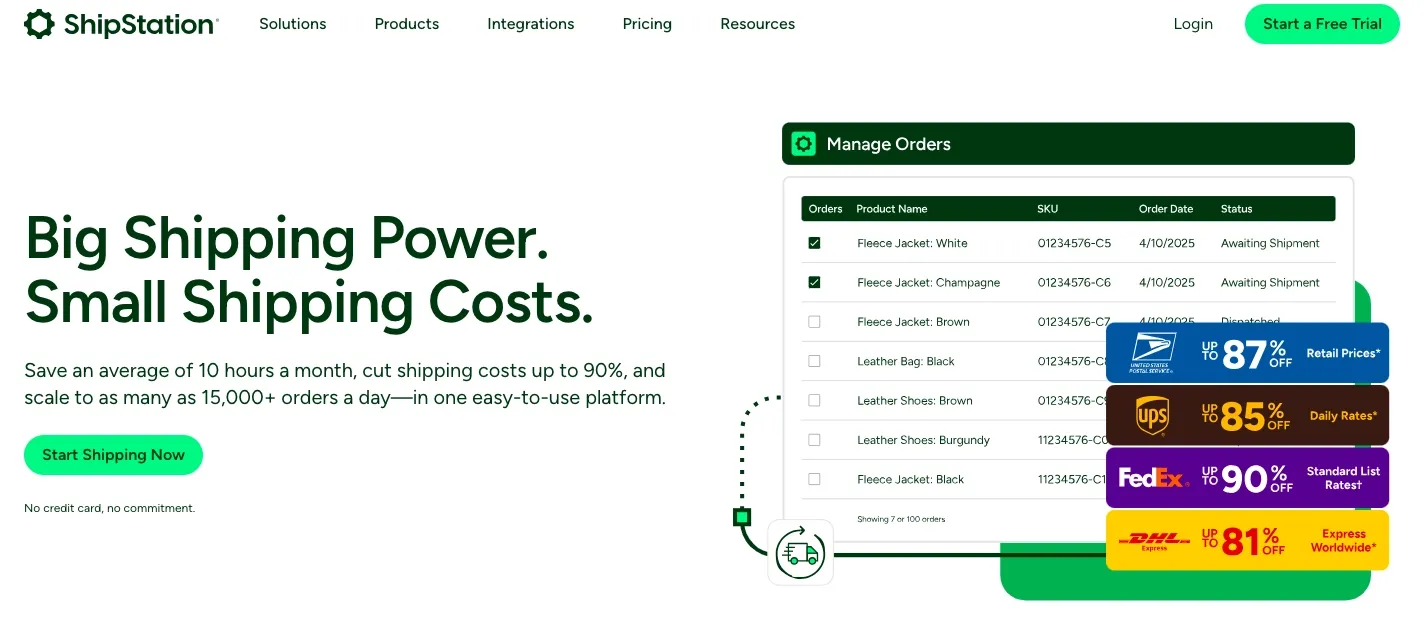
ShipStation is a robust shipping and fulfillment platform built for fast-growing and enterprise-level WooCommerce businesses. It centralizes order management across multiple sales channels and warehouses.
With automation rules, batch label printing, discounted carrier rates, branded tracking, returns management, and analytics, ShipStation supports high-volume and multi-channel fulfillment operations.
Best for: Large WooCommerce stores with complex shipping workflows.
How to Choose the Right WooCommerce Shipping Plugin
Choosing the right WooCommerce shipping plugin depends on your store’s shipping volume, fulfillment process, and growth goals. Instead of selecting a plugin based only on features, it’s important to choose one that fits your day-to-day shipping workflow.
Step 1: Review Your Shipping Requirements
Evaluate your average order volume and shipping destinations. Small or local stores may only need real-time rates and basic label printing, while high-volume or international stores benefit from advanced automation and multi-carrier support.
Step 2: Check Carrier and Region Compatibility
Make sure the plugin supports the carriers you use and the regions you ship to. Limited carrier or regional support can restrict scalability as your store grows.
Step 3: Focus on Ease of Use and Automation
A good WooCommerce shipping plugin should reduce manual effort through automated rate calculation, label printing, and tracking updates. Overly complex tools can slow fulfillment and increase errors.
Step 4: Test the Plugin Before Going Live
Always test the plugin with real orders to ensure accurate rates, correct label generation, and smooth tracking updates. Testing helps prevent fulfillment issues after implementation.
Conclusion
Shipping plays a vital role in how WooCommerce stores operate, scale, and convert customers. Accurate shipping costs at checkout, fast order fulfillment, and transparent delivery updates directly impact customer trust, satisfaction, and repeat purchases.
By using WooCommerce shipping plugins with real-time shipping rates and automation, store owners can reduce manual work, minimize fulfillment errors, and maintain a reliable shipping workflow. The right shipping plugin helps streamline daily operations while supporting business growth across higher order volumes and multiple shipping destinations.
As eCommerce continues to evolve in 2026, choosing the right WooCommerce shipping plugin is not just a technical decision; it’s a strategic investment in scalability, efficiency, and a seamless customer delivery experience that drives long-term success.