


Running a Shopify store and your app situation is basically just... a mobile website? Yeah, that's probably costing you more than you think. I didn't believe it either until I looked at the numbers. A real app just works better, it opens fast, you can text customers straight to their lock screen with push notifications, and people trust it more than some browser tab they might forget to bookmark anyway.
Bare minimum, you want a real native app for iOS and Android, and no coding involved. Also don't get stuck with a builder that caps your push notifications, that's a dealbreaker honestly. After that it's really about the small stuff.
Can you actually make the design look like your brand, or are you fighting the templates the whole time? Are the integrations you actually need sitting behind some higher tier you didn't budget for? And does support still answer you fast once you're paying them, not just while you're on the trial trying to decide.
What Is a Shopify Mobile App Builder?
A Shopify mobile app builder takes your existing store, products, inventory, and checkout, and turns it into a native app that customers can download from the App Store or Google Play. It's not a repackaged version of your website. A native app runs directly on the phone's operating system, which means faster load times, persistent login and saved carts, and the ability to send push notifications straight to a customer's lock screen instead of relying on email or SMS.
Most builders on this list work by syncing with your Shopify backend in real time, so when you update a product or run a sale on your website, the same changes show up in the app automatically. You're not managing two separate systems. The main differences between builders usually come down to how much design control you get, whether push notifications are capped, and how much hands-on support you get from setup to actually getting approved and live on both app stores.
Best Shopify Mobile App Builders in 2026
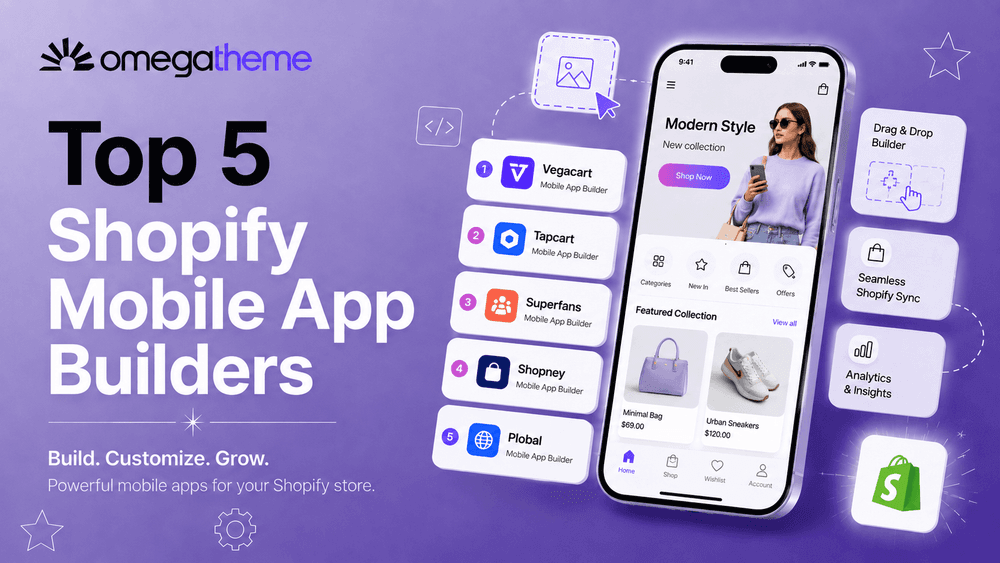
The five best Shopify mobile app builders in 2026 are Vegacart, Tapcart, Superfans, Shopney, and Plobal. They differ mainly on three things: whether push notifications are capped, how much design control you get, and whether pricing is flat or includes a revenue-share fee.
1. Vegacart
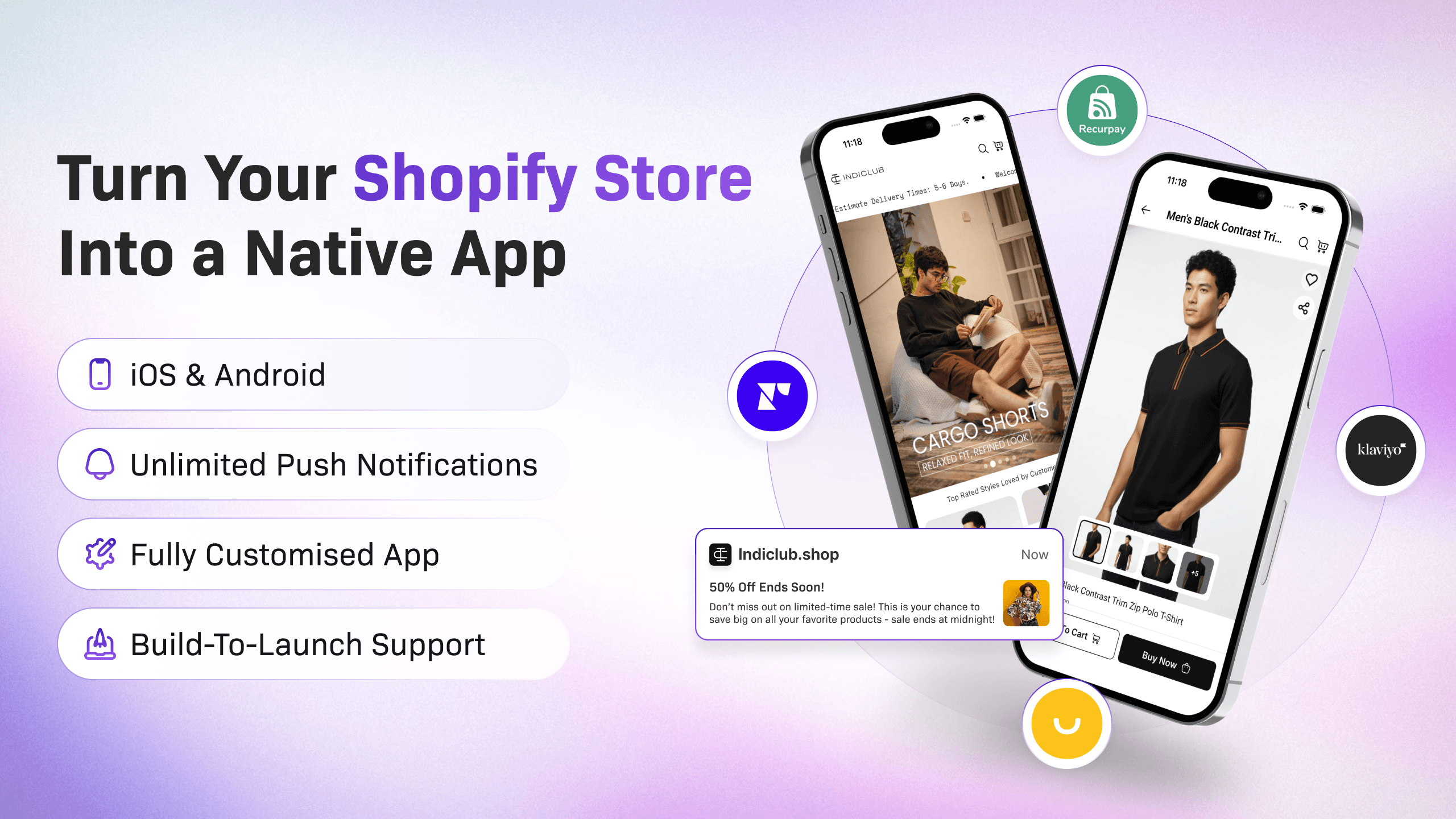
Vegacart turns your Shopify store into a branded native app using a drag-and-drop builder, no code needed. You get a free plan to start, which is rare in this space, and paid plans that scale up with push notification automation, custom screens, and app integrations as your store grows.
Push notifications are unlimited on every plan, not capped or locked behind a higher tier. The drag-and-drop editor comes with a live preview, so you see exactly what customers will see as you build. And their team stays hands-on through app store submission, which is usually where stores get stuck the longest.
Key features:
- Drag-and-drop editor with live preview
- Unlimited push notifications with AI-assisted campaigns on higher tiers
- Free migration from other app builders
- Real-time store sync and standard app integrations
Pricing:
- Free plan available
- Grow: $199/month
- Scale: $499/month
- Enterprise: $999/month
All paid plans come with a 14-day free trial, so you can test the builder before committing.
2. Tapcart
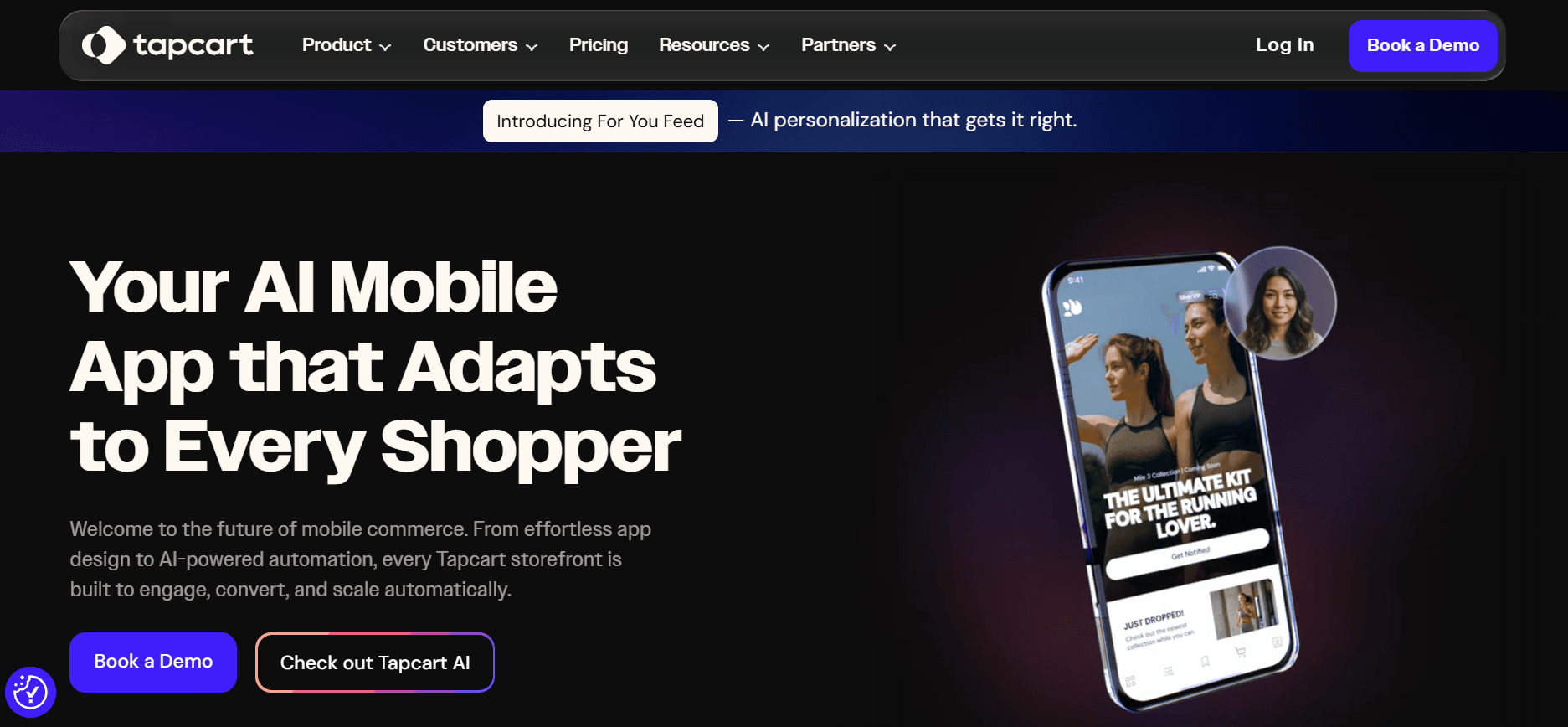
Tapcart's whole pitch is letting your marketing team run the show without bugging a developer every time they want to change something. Their App Studio hands over real control, layout, content, campaigns, all of it, to people who've never written a line of code and probably never will. It also uses AI behind the scenes to figure out what to recommend and when to push notifications to each shopper, so it's not just static content sitting there.
It's a solid pick if you have a dedicated marketing team who wants day-to-day control. It's also priced for brands with the budget to match.
Key features:
- AI-personalized recommendations and push campaigns
- Real-time performance insights with automatic updates
- Developer tools, Agent MCP, and CLI on top-tier plans
Pricing:
- Free 7-day trial
- Growth: $500/month
- Scale: $1,250/month
- Enterprise+: $2,850/month
Worth noting that some charges may be billed separately from your Shopify invoice, so check that before you commit.
3. Superfans
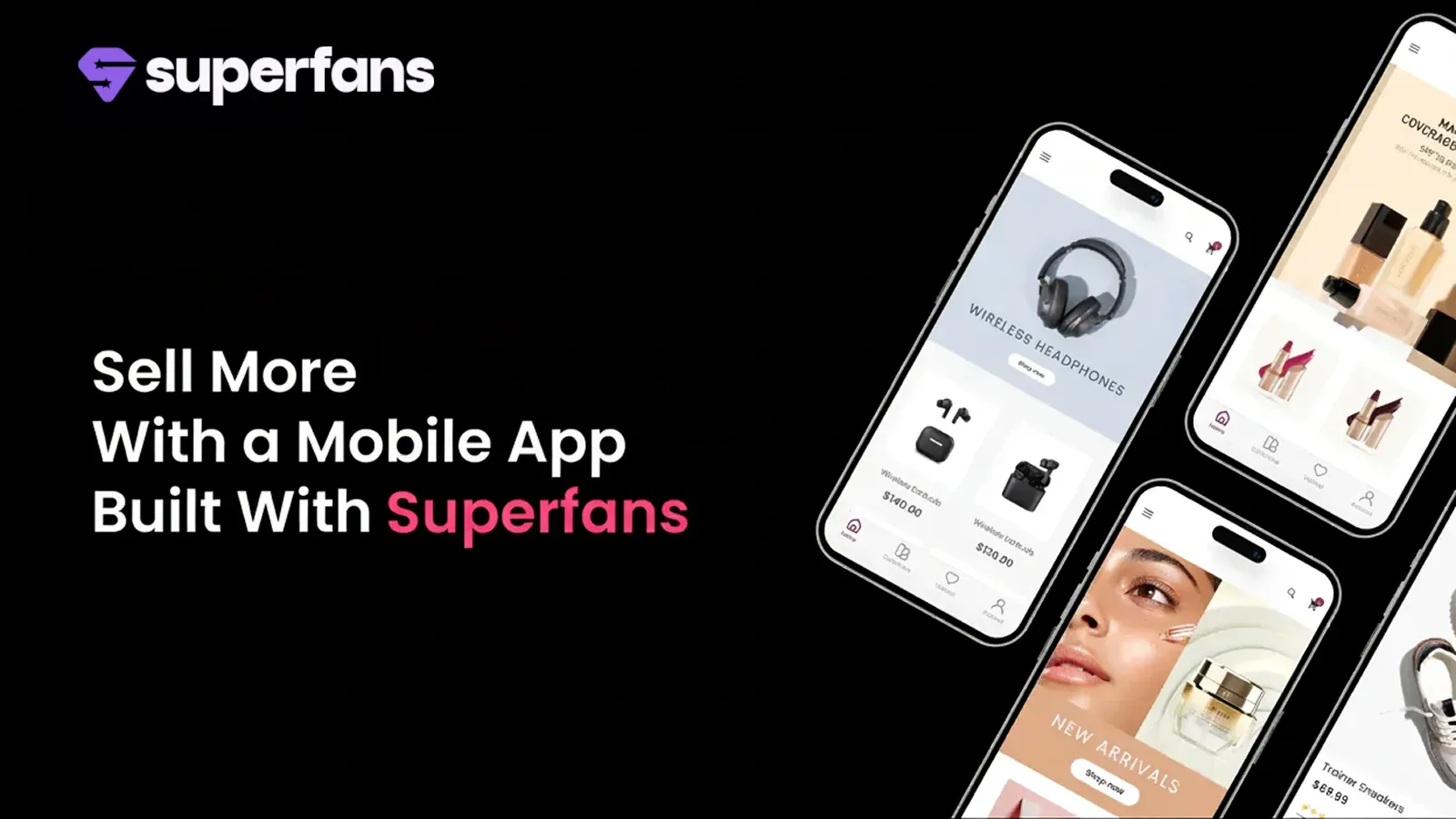
Superfans focuses on converting shoppers through personalized push notifications and interactive live selling sessions inside the app. If you already run live selling on social media, this one lets you bring that same format into your own branded app.
It has a simpler two-tier pricing setup compared to most builders on this list, which makes budgeting easier if you're not ready to commit to enterprise-level spending.
Key features:
- Drag-and-drop native app builder
- Live selling sessions inside the app and on Facebook
- One-click integrations with your existing tech stack
- 24/7 customer support
Pricing:
- Starter: $150/month
- Unlimited: $1,000/month (or $10,000/year)
Both plans include a 30-day free trial.
4. Shopney

Shopney is a one-click app builder aimed at cutting your marketing ad spend by driving repeat purchases through the app instead. It has the most pricing tiers of any builder here, which gives you more room to pick a plan that actually matches your feature needs instead of overpaying for things you won't use.
The higher tiers add augmented reality, barcode scanning, and live selling, so it grows with you if your store expands into those areas.
Key features:
- One click store to app conversion, no design skills required
- Multiple theme layout options for product pages
- In-app live chat and Shopify Inbox integration
- Loyalty, subscription, and AI push notification support on top plans
Pricing:
- Silver: $149/month
- Gold: $299/month
- Platinum: $599/month
- Enterprise: $1,299/month
Every plan includes a 30-day free trial.
5. Plobal
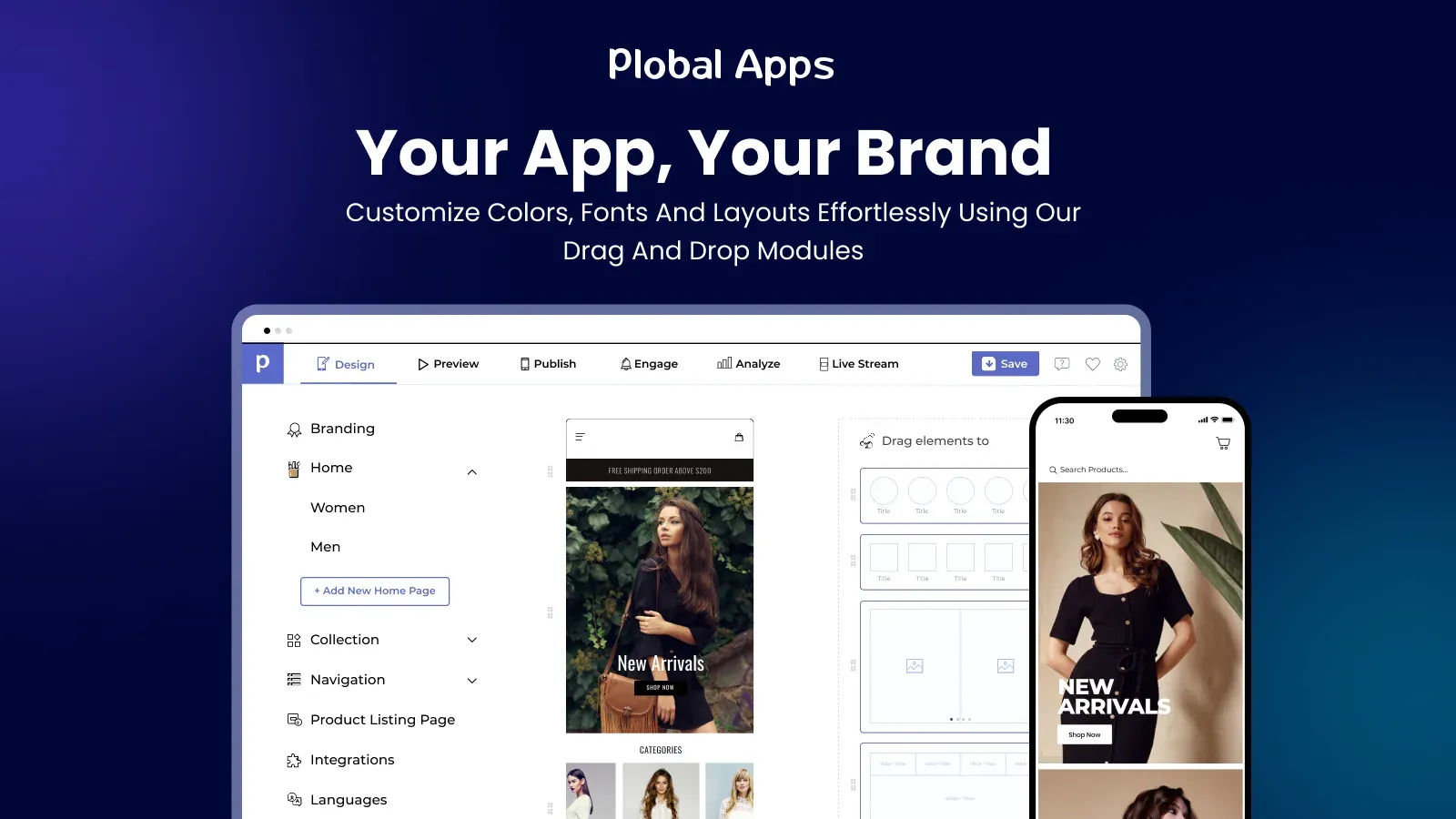
Plobal stands out because its Starter plan is free to install, and instead charges a 3% success fee on in-app sales, so you only pay once your app is actually generating revenue. That makes it one of the lower-risk options if you're not sure yet whether an app will pay off for your store.
As you move up in plans, the success fee drops, and you unlock deeper integrations and personalization tools.
Key features:
- Drag-and-drop builder with native iOS and Android apps
- Unlimited push notifications on every plan, including free
- Realtime analytics from day one
- Apple Pay and abandoned browse campaigns on higher tiers
Pricing:
- Starter: Free to install, plus 3% of in-app sales
- Growth: $199/month
- Essential: $499/month
- Enterprise: $1,199/month, plus 1% of in-app sales
Paid plans come with a 30-day free trial.
Shopify Mobile App Builder Pricing Compared
| Stores doing live selling |
| Stores wanting flexible, staged pricing |
How to Choose the Right App Builder for Your Store
Price is the easy part to compare. The harder part is figuring out which features you'll actually use versus which ones sound good on a features page but won't move the needle for your store.
A small store doing under 500 orders a month doesn't need AI-personalized push campaigns or live selling tools. What matters more at that stage is getting a working app live quickly, without a steep learning curve, and without locking into a plan priced for a much bigger business.
If you're already running loyalty programs, subscriptions, or heavy email automation, check that the builder actually integrates with those tools before you commit, not after.
A builder that looks perfect on the pricing page but doesn't sync with your existing stack will cost you more time fixing workarounds than it saves you in the app itself. Start with the builder that fits your current order volume and support needs, not the one with the longest feature list.
Which Shopify Mobile App Builder Should You Choose?
If you're a growing DTC brand, Vegacart's a strong option to start with. It won't let you launch until you're on a paid plan, but you get to build and preview the whole app first, so you're not spending blind. Tapcart's solid too if your budget's bigger and you've got a team ready to run it daily.
Final Thoughts
A branded mobile app can genuinely change how often customers come back to your store, but only if you pick a builder that fits where your business is right now, not where you hope to be in two years. Start small, watch your push notification open rates and repeat purchase numbers, and upgrade once you see the app pulling its weight.
Give yourself a real trial period before deciding if it's working. Thirty days isn't enough time to judge an app's impact, since it takes a few weeks just for customers to notice it exists and download it in meaningful numbers.
Look at your numbers after 60 to 90 days instead, and pay attention to push notification open rates specifically, since that's usually the first sign of whether people actually want to hear from you through the app or if you're just adding another channel they'll ignore.
Most of the builders on this list offer a free plan or a trial long enough to test this properly, so there's little reason to commit to a yearly contract before you've seen real usage data from your own customers. Build the app, launch it to a smaller segment of your repeat buyers first if the builder allows it, and use that early feedback to decide whether to push it to your full customer base.
At the end of the day, the app itself is just a channel. It won't fix a retention problem on its own, but for stores that already have customers coming back, it's one of the more direct ways to stay in front of them without fighting for space in a crowded inbox.
FAQs
1. What is the best Shopify mobile app builder?
It depends on your store size and budget. Vegacart is a strong pick if you want a free plan to start and room to scale as you grow. Tapcart suits brands with an in-house marketing team and a bigger budget. Shopney works well if you want flexible, staged pricing as your feature needs grow.
2. How much does a Shopify mobile app builder cost?
Pricing ranges widely. Some builders like Vegacart and Plobal offer a free plan to start, while others like Tapcart begin at $500/month. Most paid plans fall somewhere between $150 and $600/month depending on features, with enterprise tiers going higher for larger stores.
3. Do I need coding skills to build a Shopify app?
No. Every builder on this list, including Vegacart, Tapcart, and Shopney, uses a drag-and-drop editor, so you can build and customize your app without writing any code.
4. How long does it take to get a Shopify app approved on the App Store?
App review timelines vary, but Apple's review process alone can take anywhere from a day to over a week. Builders that handle submission for you, like Vegacart, tend to move faster since they already know what gets flagged during review.
5. Can I switch to a different app builder if I'm not happy with my current one?
Yes, most builders support migration. Vegacart, for example, offers free migration if you're switching over from another platform, so you don't have to rebuild your app from scratch.