



Why use rules in Omega Feed?
- Automatic assignment: Once rules are set, new products are categorized automatically.
- Bulk efficiency: One rule can apply to hundreds of SKUs.
- No need to remap: Saves time when product catalogs change frequently.
- No manual edits: Avoids using Google Sheets or XML.
Best for: Shopify sellers with large or dynamic catalogs who want automation and scalability.
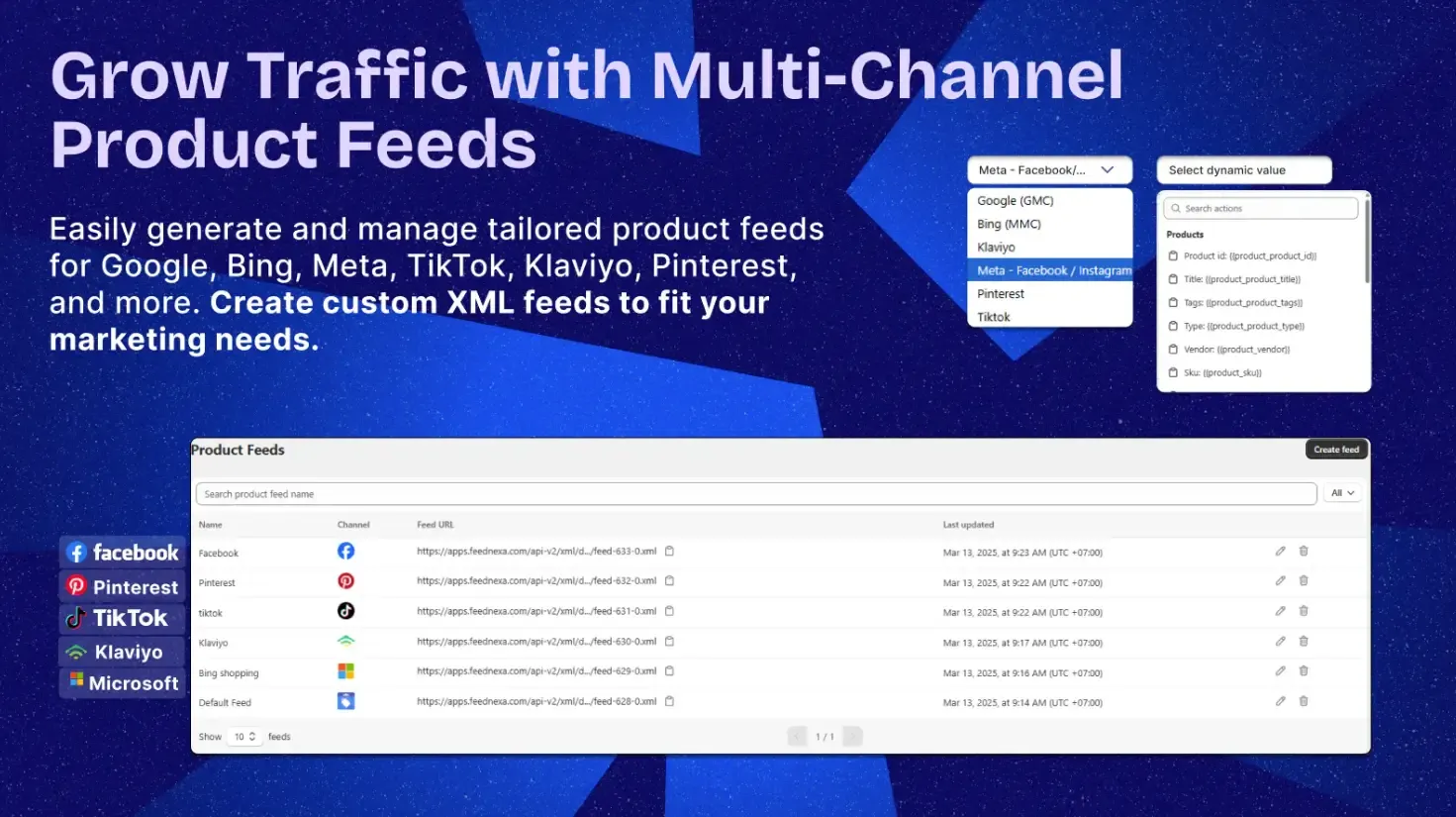
Here’s a quick comparison of the four main ways to set up your Google Product Categories, so you can pick the method that fits your workflow best:
| Method | Pros | Best For |
|---|---|---|
| Auto Assign | Quick to set up, no manual input needed | New sellers, test uploads, small catalogs |
| Manual Feed | Full control, highest accuracy, policy-compliant | Merchants who want complete control |
| Supplemental Feed | Easy bulk updates, fast corrections | Active feeds needing category fixes |
| Omega Feed (Shopify) | Bulk category mapping, auto-updates, no spreadsheets | Shopify stores with large or frequently updated catalogs |
Frequently Asked Questions
Do I have to use Google’s taxonomy?
It’s not mandatory for all products, but it’s strongly recommended. For certain categories like alcohol, gift cards, or mobile phones with contracts, assigning the correct Google Product Category is required to comply with ad policies. Even for other items, using Google’s taxonomy improves ad targeting and reduces the risk of disapproval.
What happens if I leave the category field blank?
Google will automatically assign a category based on your product title, description, and other attributes. While this may work for general products, it can lead to misclassification, especially for niche or policy-sensitive items. Leaving it blank means less control and potentially lower ad relevance.
Can I use custom categories?
You can create custom categories using the product_type field, separate from the google_product_category. Custom categories help organize products within your store and ad campaigns, but don’t replace Google’s taxonomy. Always use Google’s official list for the google_product_category field to ensure compliance and accuracy.
Conclusion
Choosing the right Google Product Category isn’t just a checkbox; it’s a key driver of your product visibility, ad approval, and conversion success. From compliance with Google’s policies to improved ad targeting, this field can make or break your Shopping campaigns.
If you’re on Shopify, tools like Omega Feed make it effortless to assign accurate categories at scale without the hassle of spreadsheets. Whether you’re managing 10 products or 10,000, setting it up right from the start saves time and sales.So don’t overlook it; categorize smart and sell smarter!